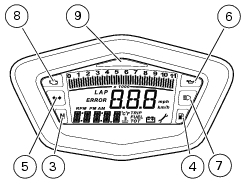
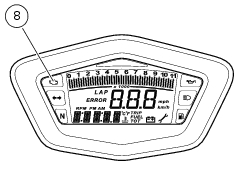
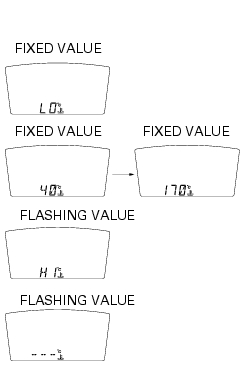
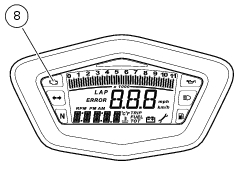
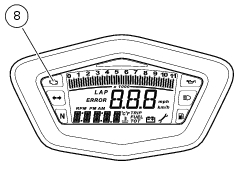
If reading is -40 °C (°F -104) or less, the display shows a string of flashing dashes ("---") and the Engine Diagnostic light (8) comes on;
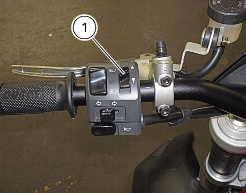
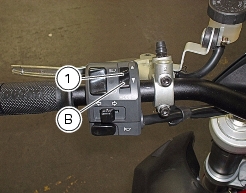
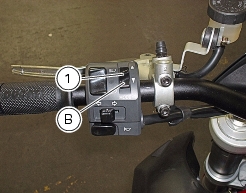
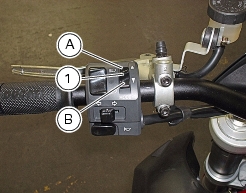
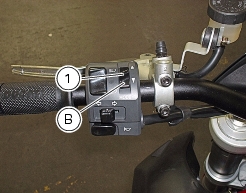
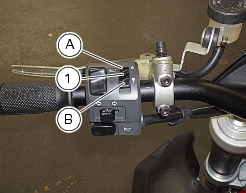
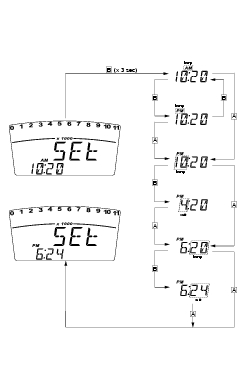
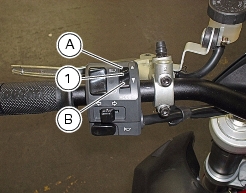
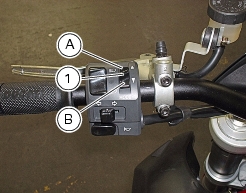
When you access this function, the word "AM" flashes; pressing button (1) in position B "t" switches to "PM" (flashing); pressing button (1) in position B "
t" returns to the previous step (if clock time is 00:00, it will switch to 12:00 when you toggle from AM to PM); pressing button (1), in position A "
s" switches to hour setup (flashing). At each press of the button in position B "
t", hours will increase by 1 unit; if the button is held depressed in position B "
t", hour setting will increase by 1 hour per second (hours do not flash when the button is held depressed).
Pressing button (1) in position A "s" gives access to the minute setting mode; minutes start to flash. At each press of the button in B "
t", minutes increase by 1 unit; if the button is held depressed in position B "
t", minutes increase by 1 minute per second. If the button is held depressed in position B "
t" for over 5 seconds, minutes will increase by 1 minute every 100ms (while the button is held depressed in position B "
t", seconds will not flash). Pressing the button in position A "
s", exits setup mode and the set time is displayed.
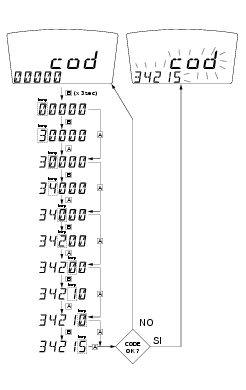
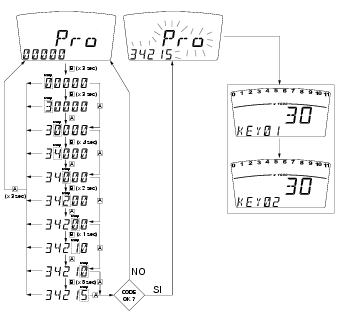
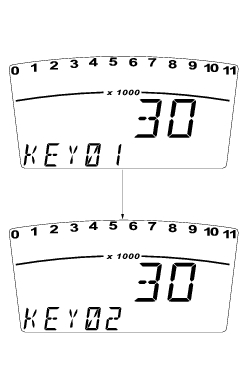
if you press the button in position A "s", you will move to the second digit, which will start to flash. Each time you press the button in position B "
t", the digit will increase by one unit per second;
If you press the button in position A "s", you will move to the third digit, which will start to flash. Each time you press the button in position B "
t", the digit will increase by one unit per second;
if you press the button in position A "s", you will move to the fourth digit, which will start to flash. Each time you press the button in position B "
t", the digit will increase by one unit per second;
if you press the button in position A "s", you will move to the fifth digit, which will start to flash. Each time you press the button in position B "
t", the digit will increase by one unit per second;
if you press the button in position A "s", you will move to the second digit, which will start to flash. Each time you press the button in position B "
t", the digit will increase by one unit per second;
If you press the button in position A "s", you will move to the third digit, which will start to flash. Each time you press the button in position B "
t", the digit will increase by one unit per second;
if you press the button in position A "s", you will move to the fourth digit, which will start to flash. Each time you press the button in position B "
t", the digit will increase by one unit per second;
if you press the button in position A "s", you will move to the fifth digit, which will start to flash. Each time you press the button in position B "
t", the digit will increase by one unit per second;
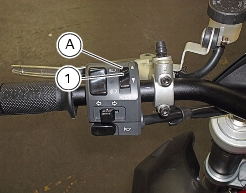
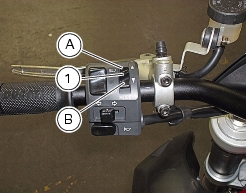
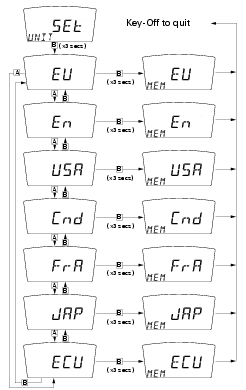
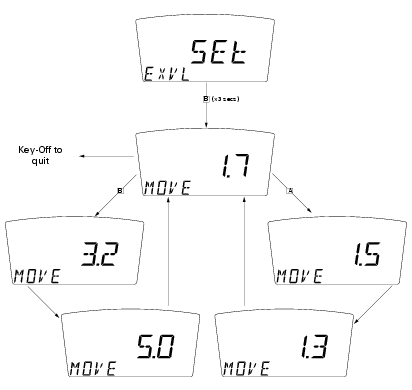
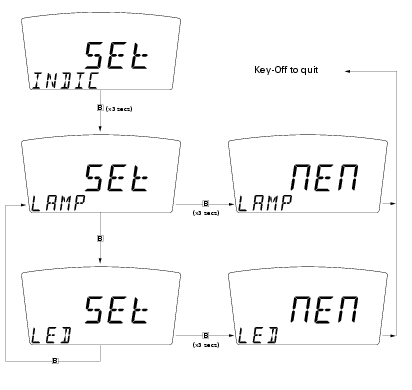
Press button (1) in position B "t" and hold for 3 seconds to store displayed configuration; "MEM" is displayed. Upon the following Key-On, the new settings will apply.
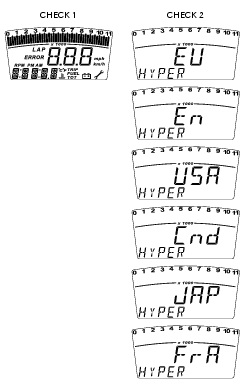

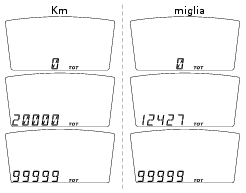
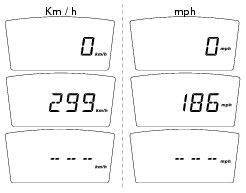
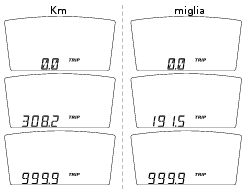


 Caution
 Caution
 Note
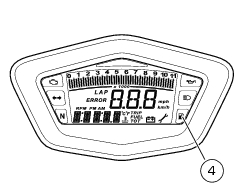
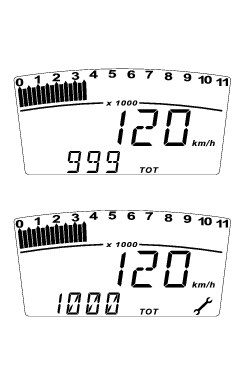
Note ) comes on to indicate that the vehicle is due for service.
 Caution
 Warning
 Note
Note Note
Note Note
Note Note
Note Note
Note Note
Note Caution